Aima: turn your free time into a message
I made another small Chrome extension called Aima.
It lets you drag over free time in Google Calendar and copy the dates and times as text, ready to paste into a conversation.
The calendar already has the information
Someone asks when you're free. You open your calendar, find a few gaps, switch back to the conversation, and start typing.
Tuesday, 11:15 to 12:15. Wednesday, noon to one. Back to the calendar to check Thursday.
The information is right there on the screen, but getting it into a message still involves copying it by hand. I wanted to select those empty blocks directly and let the computer handle the typing.
That's where Aima started.
Select, copy, paste
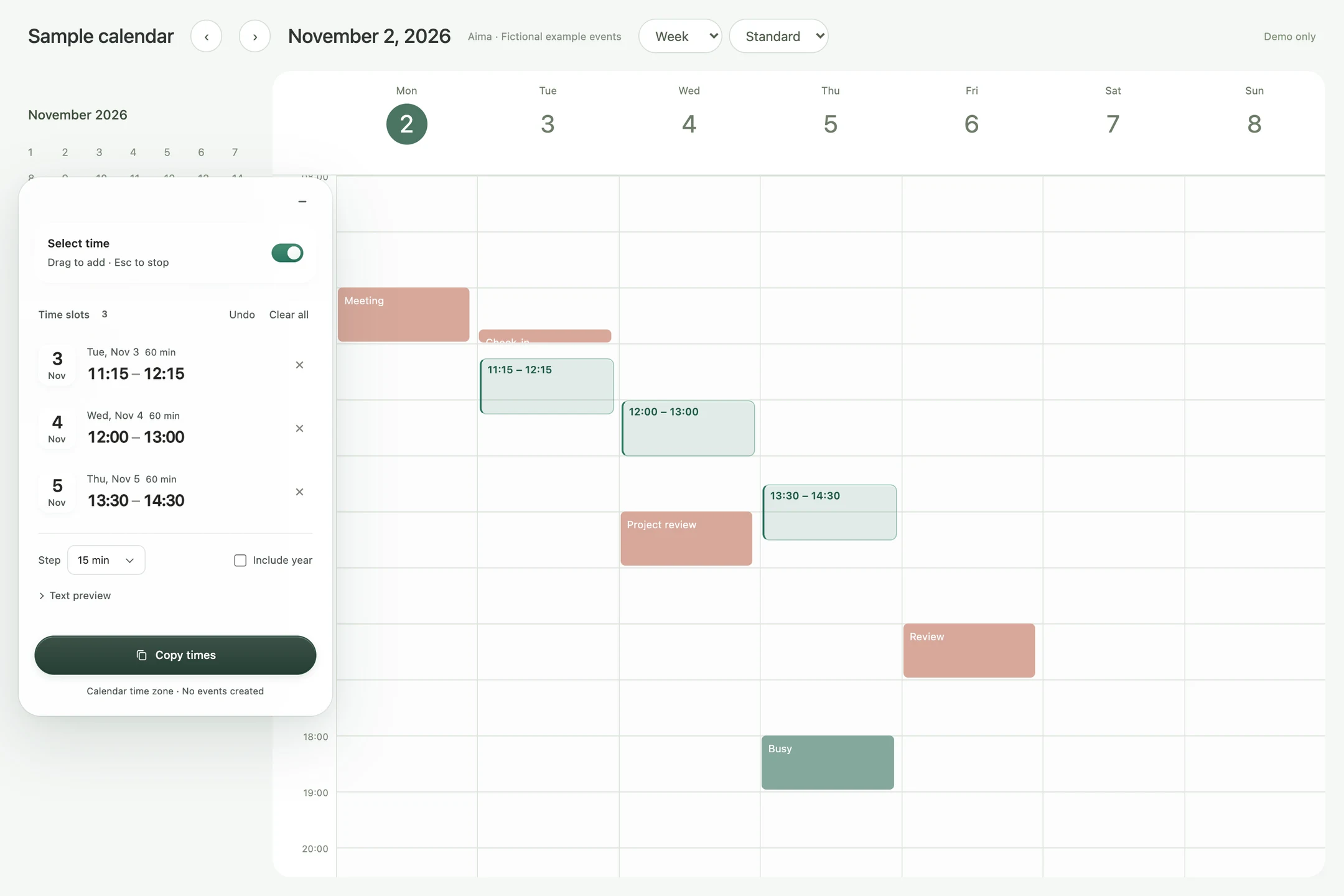
Open Google Calendar in Day or Week view, turn on selection mode, and drag over a time you'd like to suggest. Add a few more, then click Copy times.
You get something like this:
• Tue, Nov 3 11:15–12:15
• Wed, Nov 4 12:00–13:00
• Thu, Nov 5 13:30–14:30
Shown with a sample calendar and fictional time slots.
Paste it into an email or chat, add whatever you want to say, and send it.
The times are sorted automatically. Overlapping or adjacent selections are merged, and you can remove a slot or undo a change. Both the interface and the copied dates support English and Japanese.
You still choose which times to offer. Aima doesn't check whether you're available or create calendar events. Sometimes an empty afternoon is one you'd rather keep empty.
Keeping it out of the way
A tool that sits over your calendar can easily become something else you have to work around.
The panel can be moved or collapsed. The small button that opens it can also be dragged somewhere more convenient, and it remembers its position.
There's a Show Aima switch in the extension popup when you want the whole interface to disappear. Hiding it also stops selection mode, so you can use your calendar normally. Your selected times stay saved for later.
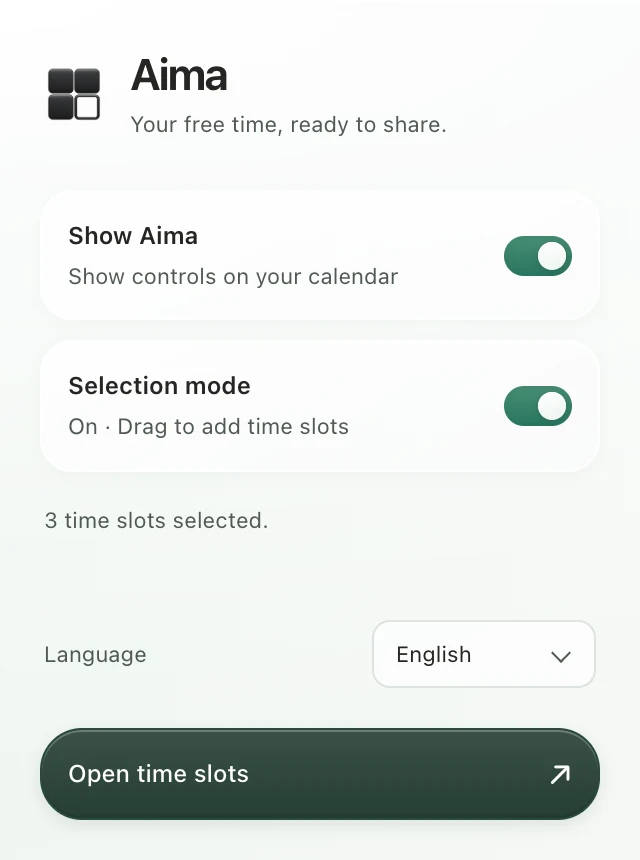
Shown with a sample calendar and fictional time slots.
The interface uses a translucent glass surface and a simple four-block icon, with one block left empty. I wanted it to feel light enough to leave open while choosing times.
A few details underneath
The extension reads the calendar's visible date columns and time-grid positions to place its own selection layer over them. That means accounting for scrolling and changes in the calendar's layout.
Selection can snap to 5-, 15-, 30-, or 60-minute increments. Times follow the calendar's primary time axis, so changing the interface language doesn't change the hours you're sharing.
There's no additional account to create. Selections and preferences stay in local browser storage, and Aima doesn't send calendar data to a server. It only writes to the clipboard when you ask it to.
One less thing to type
Focus Selection started with wanting to keep my attention on a paragraph. Aima started with wanting to point at a gap in my calendar and put it into words.
I like making tools at this scale. A small task, a little less repetition, and then back to whatever I was doing.