Figma Config 2026 Report
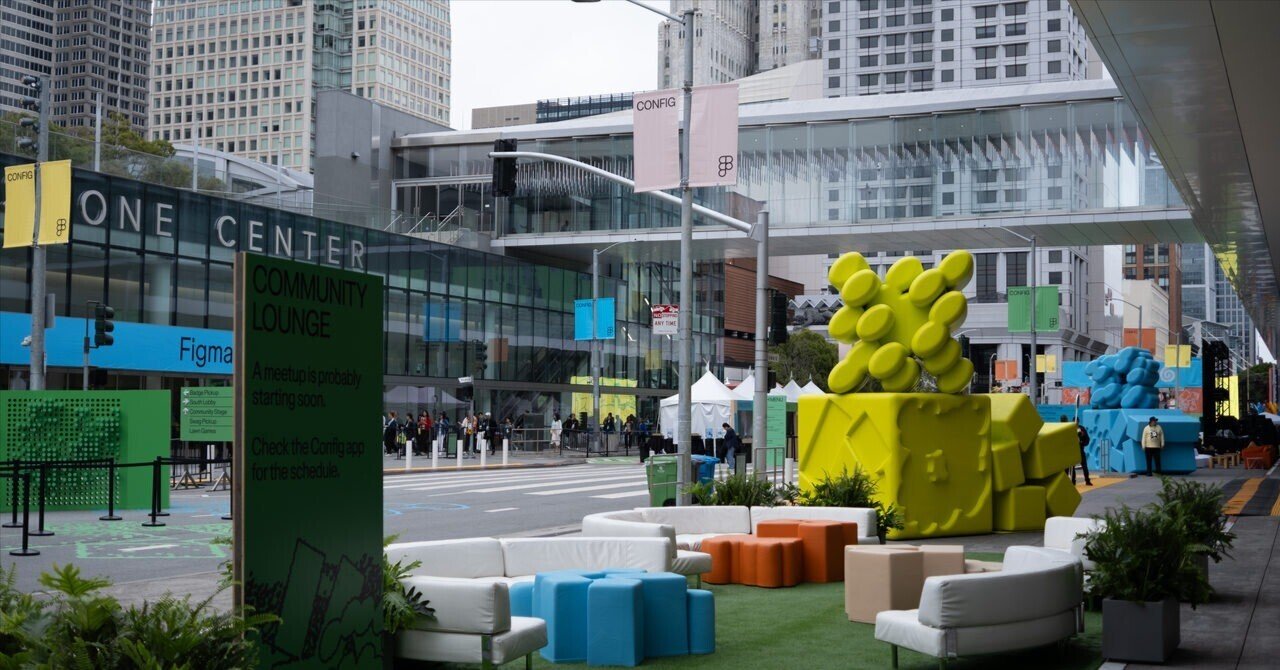
In June 2026, I attended Figma Config 2026 in San Francisco.
This is the English version of an article I first published on note.
Since my company, Studio, Inc., sent me to the event, I wanted to do more than just follow Figma's new feature announcements. It became a chance to think about where Figma is heading, and what that direction might mean for people like us who work on products such as Studio.
In this article, I want to share what I talked about with people during Config, how I felt about Figma's announcements, and what I personally thought about as a designer.
What I kept in mind during this trip
What I tried to focus on at this Config was not watching as many sessions as possible, but talking to as many people as I could.
If I was going all the way there in person, I wanted to speak directly with designers, engineers, and people involved in products from both Japan and other countries, whether at the venue or at surrounding events. I am more of an introverted type, so honestly, starting conversations with people I do not know is not exactly my strength.
But once I actually started talking to people, I realized that even when we were using the same words, like "Figma" or "design," people were often looking at very different things.
For example, when I talked with people about design systems, some said that most of the actual system now lives in code, and that they rarely update Figma anymore. Others said they were right in the middle of organizing their design system inside Figma.
When we talked about tools people had been using recently, names like Claude Code, Claude Design, and Codex came up often. Using AI tools itself no longer feels unusual, but how to use them and where to position them within a team still seems to be something many people are figuring out.
I am sure there are conversations I only remember vaguely, but it was valuable to hear real concerns and interests that would not have been visible from Figma's announcements alone.
What stood out to me in the keynote
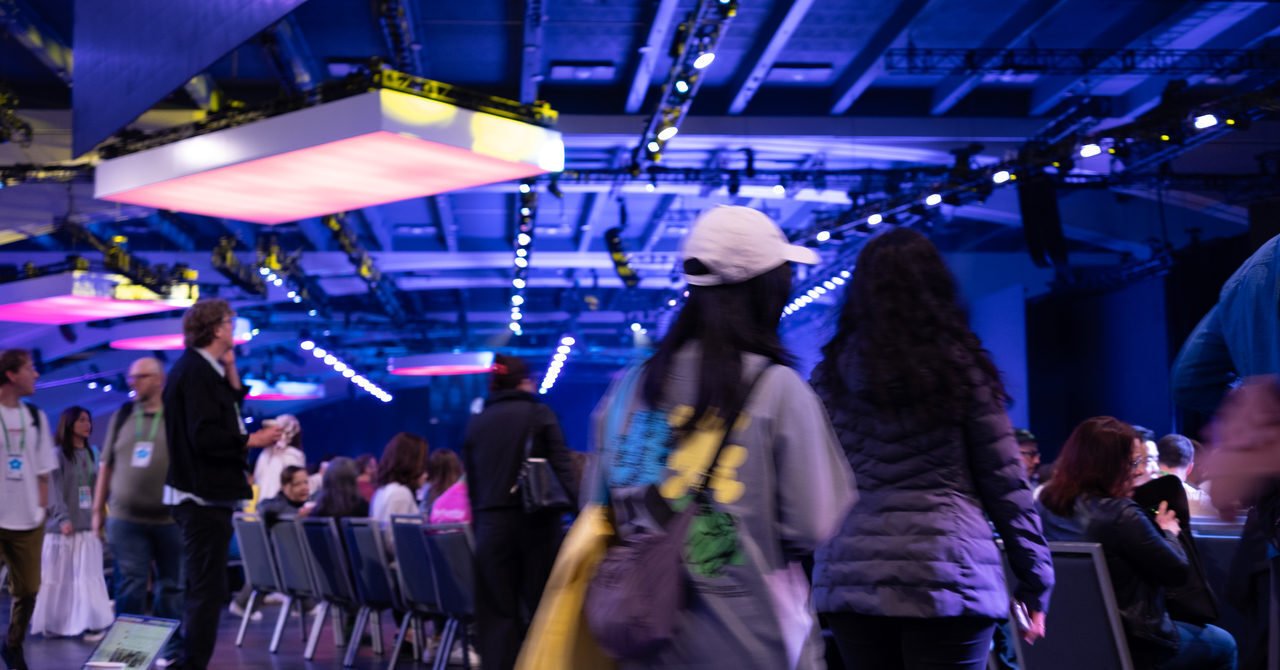
This year's Config included announcements such as Figma Motion, Shaders, generative plugins, Weave tools, Code layers, and skills.
There are already many articles and videos that explain the details of each feature, so here I will focus more on how I personally received them.
Last year, with Figma Sites, Buzz, Make, Slides, and other releases, I felt that Figma was expanding the kinds of "areas" you could work in. It looked less like a design tool alone and more like a broader creative environment that could include web production, marketing materials, prototyping, and presentations.
This year, on the other hand, felt like Figma was expanding what you can express inside that broader environment. It felt like Figma was moving closer to a professional creative tool.
With Figma Motion, you can work with movement. With Shaders, you can work with texture and light. With Code layers, code can apparently be treated as another material on the canvas. I have not tried it yet, so I want to get my hands on it soon. With generative plugins and stronger agent features, the tools for making things also seem easier to generate and extend.
Rather than simply thinking, "Figma became more convenient," I felt that Figma is trying to become a place that can hold more complex and richer forms of creation.
At the same time, because there are more modes now, I also feel that the cognitive load around things like forgetting to switch modes, or not knowing exactly which mode you are in, may have increased a little.
Seeing and making more to expand my range of expression
I am genuinely excited that the range of what we can create and express is growing.
But in the end, in order to choose a good expression, I need to know what kinds of expressions exist in the first place.
Unless I learn about them and try them with my own hands, I do not think I can really understand when they are useful, how far is too much, or what kind of expression feels good.
If there is nothing in the drawer, nothing comes out when I try to make something. And if I have not seen enough good work, it becomes harder to judge what is good in the first place.
So I felt again that I want to keep exposing myself not only to UI design, but also to painting, art, video, photography, architecture, music, games, cityscapes, and many other things.
Now that anyone can create something that looks "kind of right," I want to keep seeing good work and keep making many things myself. I need to keep training.
My expectations and concerns around Code layers
The announcement I was especially curious about was Code layers.
I really liked the idea Dylan Field mentioned early on: code is not the opposite of design, but a material for design.
Instead of treating code as something outside of design, it frames code as something that can be handled on the canvas, just like images, text, or components. I felt that this was a positive reframing of the relationship between design and implementation.
That said, I also think that "being able to place code on the canvas" and "being connected to production implementation" are different things.
In actual product development, it is not only about the visual appearance or interaction of the UI. Authentication, permissions, data fetching, state management, performance, accessibility, consistency with existing components, and many other factors are involved.
How consistently Code layers can connect with a real codebase is still unclear to me. This is something I want to test with my own hands as soon as possible.
Design systems and Figma's value may also change
After seeing this year's announcements, I started to think that the role of design systems may gradually change as well.
Until now, I think design systems have often felt like something humans reference and use: components and Variables in Figma, documentation, components in code, and so on.
But once AI starts generating prototypes and code, design systems are no longer read only by humans. They are also read by AI. Or rather, that is already happening.
No matter how quickly AI can create UI, if it ignores the design system and produces something inconsistent every time, the product will actually become more broken.
So from now on, design systems need to be not only easy for humans to use, but also easy for AI to interpret. Not just what components look like, but when to use them, why to use them, what states they have, and what exceptions exist. I think it will become increasingly important for that information to be structured.
Of course, it depends on the phase and situation.
What will Figma's position become?
Because of AI, the distance from an idea to a working UI is becoming much shorter. For simple prototypes, there will probably be more situations where it is faster to build directly in code than to first design screens in Figma and then implement them.
In that sense, I do not think this is simply a story about "Figma ending." It feels closer to saying that UI design that is completed only inside Figma may become weaker.
Figma's competitor may not be another UI design tool, but a state where people can build products without opening a UI design tool at all.
Still, even if AI can generate screens instantly, these questions remain:
Why this screen? Which component should be used? Is it consistent with the whole product? Which state is the latest? Does the flow feel right? What are we trying to achieve by doing this?
I think Figma's strength is not only that you can create screens, but that it provides a foundation for teams to build correctly together: collaboration, a place for exploration, design systems, comments, handoff, and so on.
And for designers, simply "being able to use Figma" is already becoming insufficient. The ability to think about what should be made, to structure things in a way AI can understand, to connect with code and design systems, and to design the overall experience will likely become even more important.
I need to keep working on all of this.
Things I want to talk about with people
Through this Config, many questions remained unresolved for me.
Why Figma? Why AI? Why the web? And where are design and product creation heading from here? What does everyone want to make?
I am not necessarily trying to find the correct answers. I would rather talk casually with different people, even if it is just speculation or imagination.
One thing I felt from talking to people on site was that these kinds of questions do not move forward or expand very much when I only think about them by myself. I always have my own biases and filters.
By talking with people who work in different environments, have different roles, and design within different countries and cultures, maybe the outline will gradually become clearer.
I am shy, so I would be very happy if people came and talked to me.
Summary
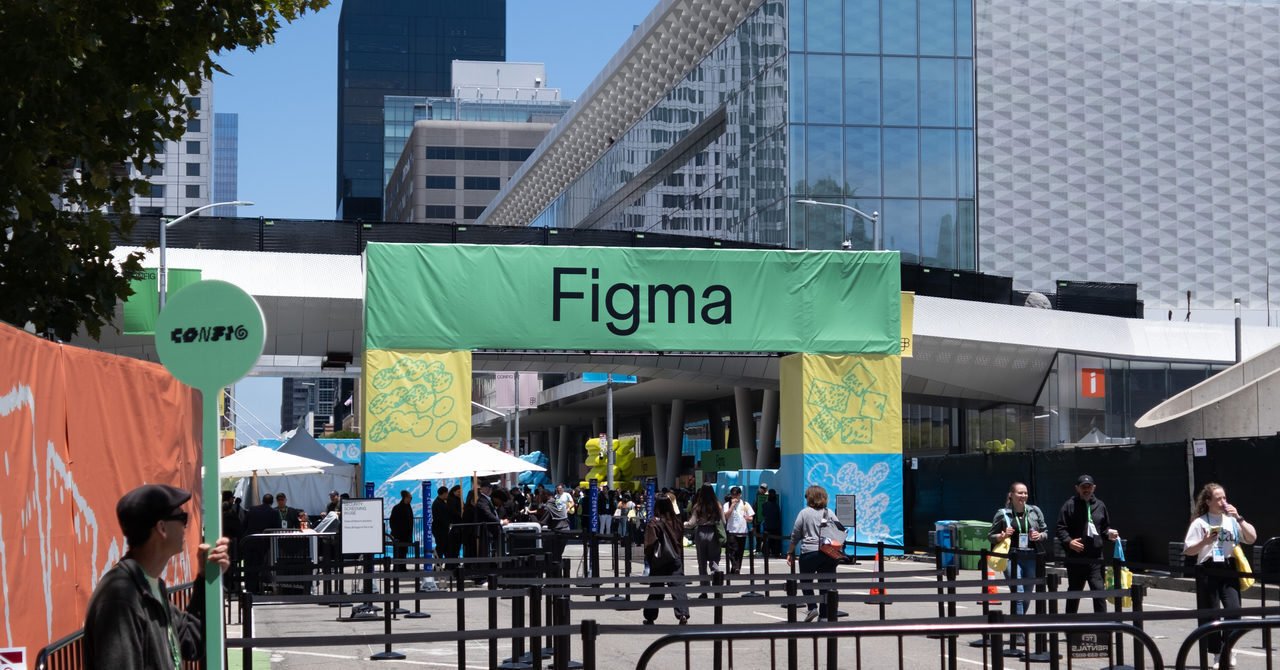
Figma Config 2026 made me feel that Figma is trying to increase the materials and expressions available inside the creative environment it has been expanding, while also moving closer to code.
Through conversations with many people on site, I was able to touch on questions I could not have fully considered alone, such as the role of design systems and how to approach AI tools. It was a very stimulating week.
That said, the time difference and travel really wore me out. In the end, maybe health and stamina are the most important things after all.
Finally, thank you to everyone on my team at Studio who sent me to Config.
Bonus
Riding Waymo with almost no preparation
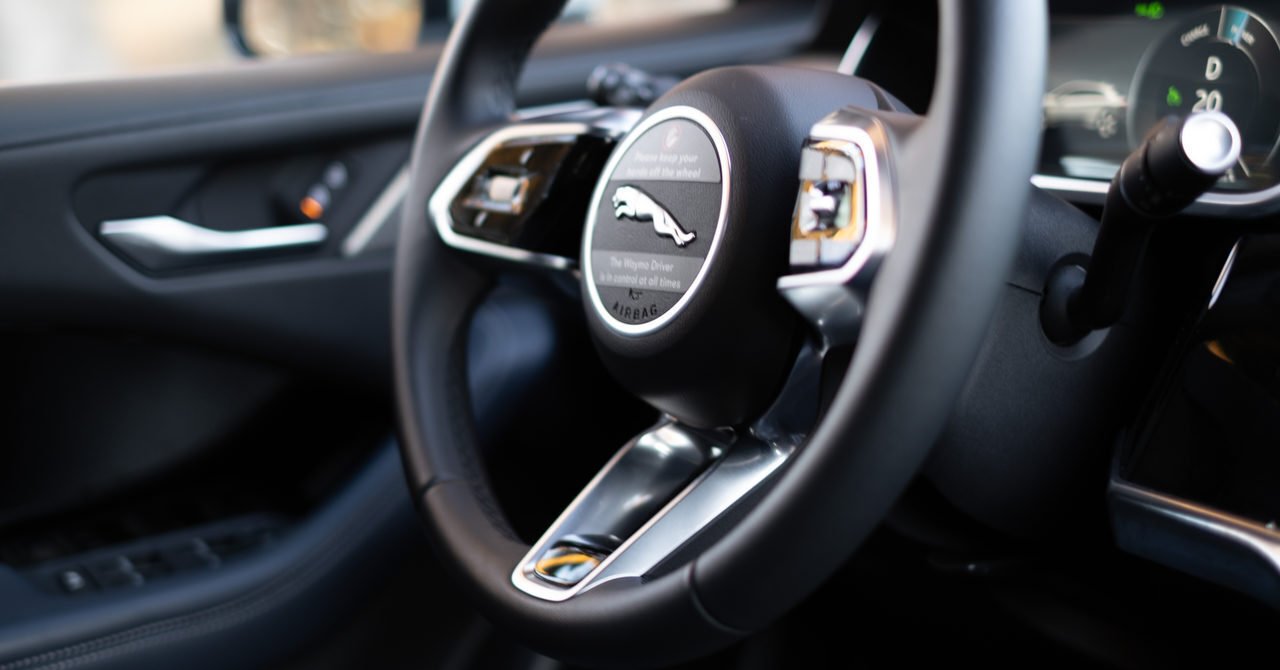
Without researching much, I simply installed the app, called a Waymo, and went to my destination.
I thought I might get confused somewhere in the UI or flow, but I arrived without getting stuck at all. It was surprisingly easy. Still, seeing the steering wheel move when there was nobody in the driver's seat was a little scary.
At Config, I also listened to a talk by someone from Waymo. They said they use the key of E in the sound effects to create a feeling of comfort and joy, and that they intentionally change the sounds between getting in and getting out of the car. I learned a lot from that.
On the other hand, there were a few times when Uber drivers told me they seriously disliked autonomous driving. Once, a human driver even drove aggressively toward the Waymo I was in. I hope autonomous vehicles and human drivers can coexist well.
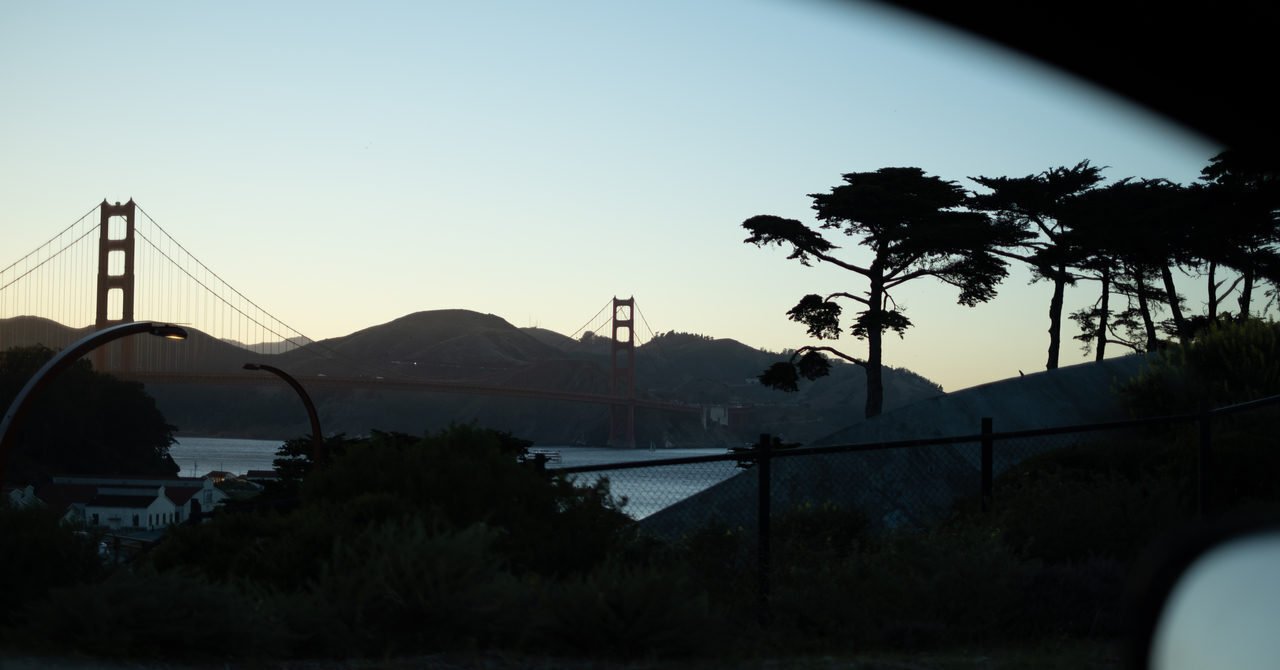
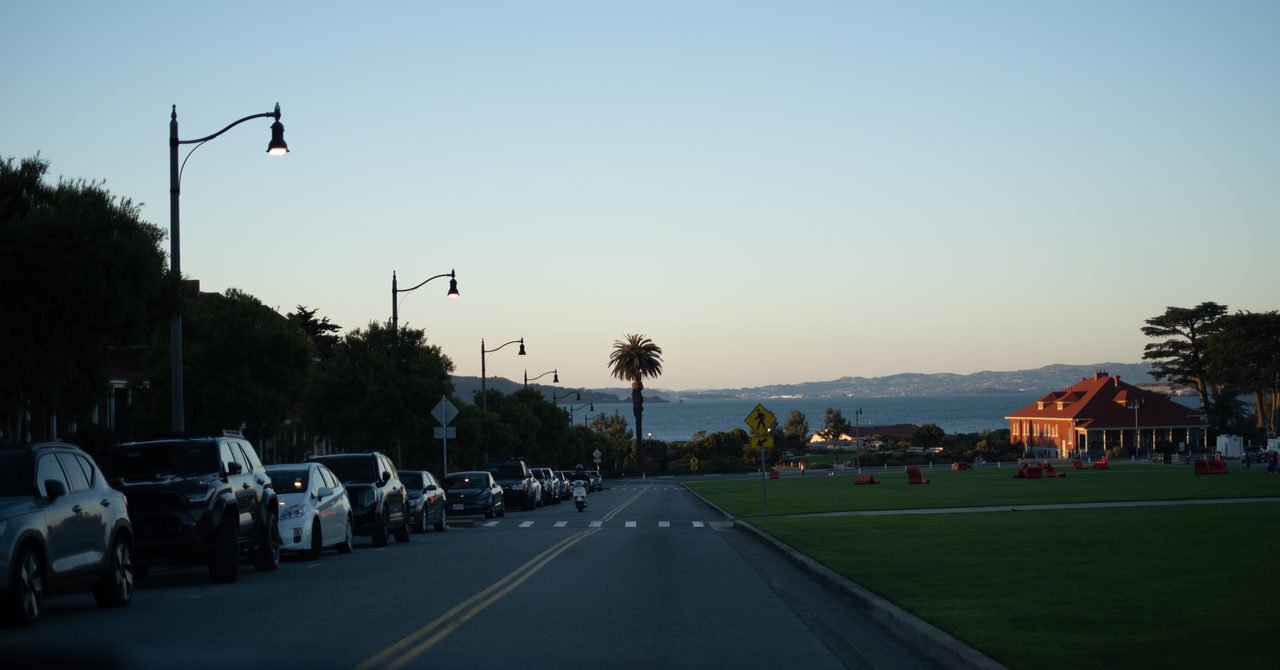
It was nice that I could take photos of the city while riding.
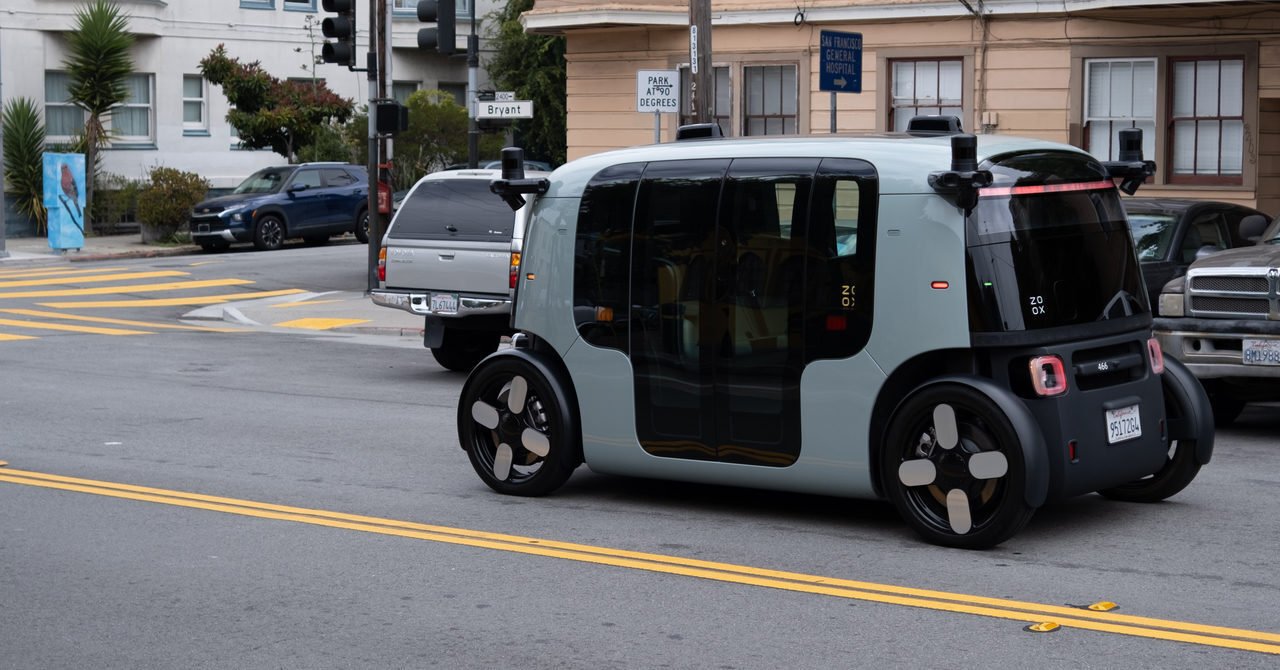
I also wanted to ride Zoox, the autonomous taxi under Amazon, but the timing did not work out.
Other San Francisco things
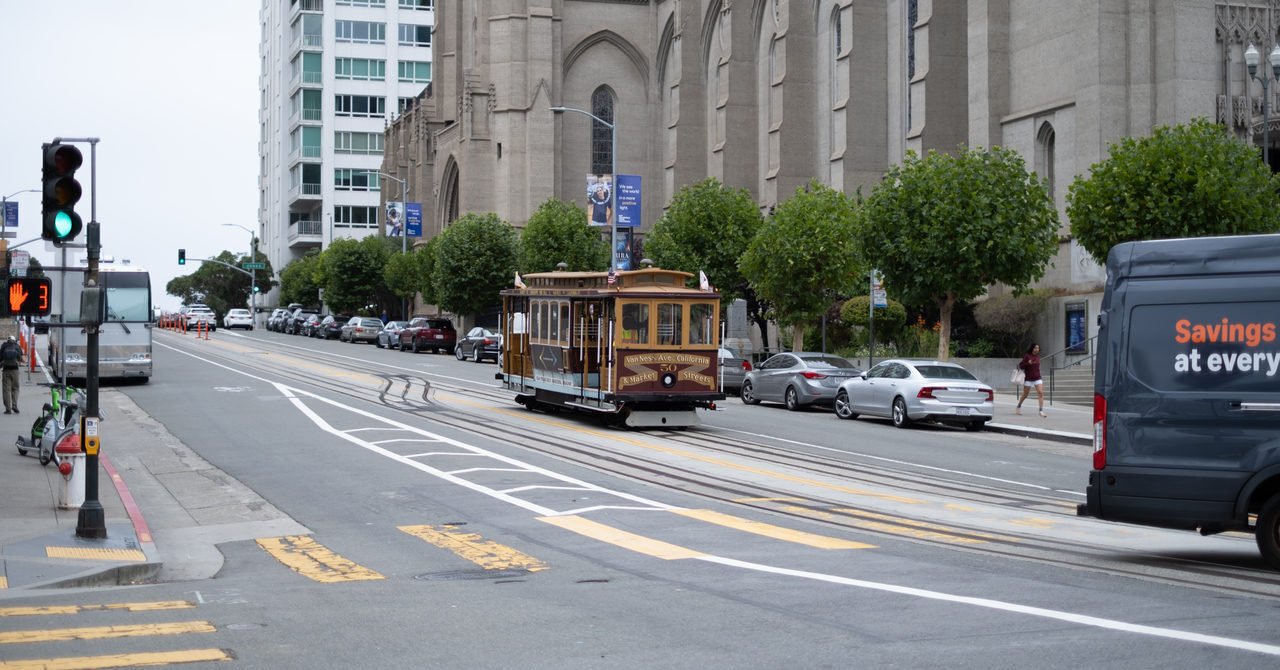
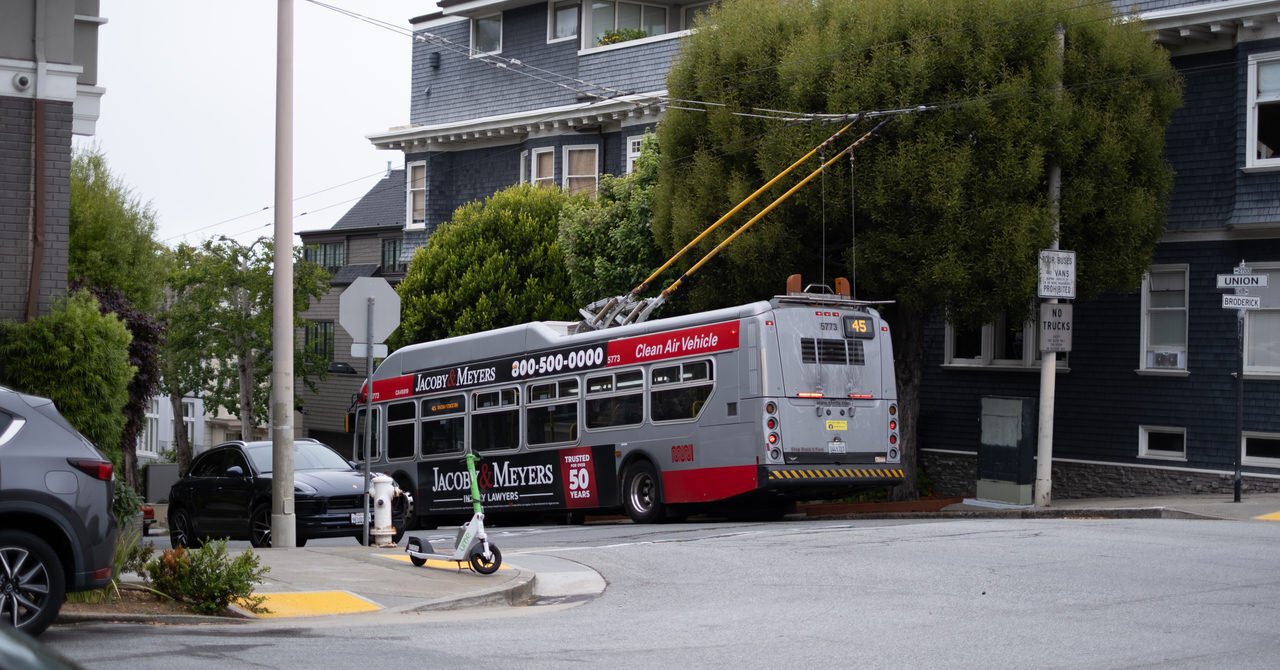
I also saw some very San Francisco things, like the Golden Gate Bridge, cable cars, and buses with something extending from above.

That is my very late on-site report from Config.